
Why Agencies Switch to Collabix
Replace Disconnected Agency Tools With One Connected Workspace For Projects, Time Tracking, Team Capacity, Communication, Client Collaboration, & Reporting
Collabix helps agencies reduce tool sprawl and bring operational data closer together, so teams spend less time switching between systems and more time delivering client work.
If your agency currently manages projects, timesheets, workloads, conversations, clients, and reporting in separate platforms, Collabix provides a more unified way to run day-to-day operations.

Built specifically for Why Agencies Switch
Designed to replace disconnected spreadsheets with one consolidated system.
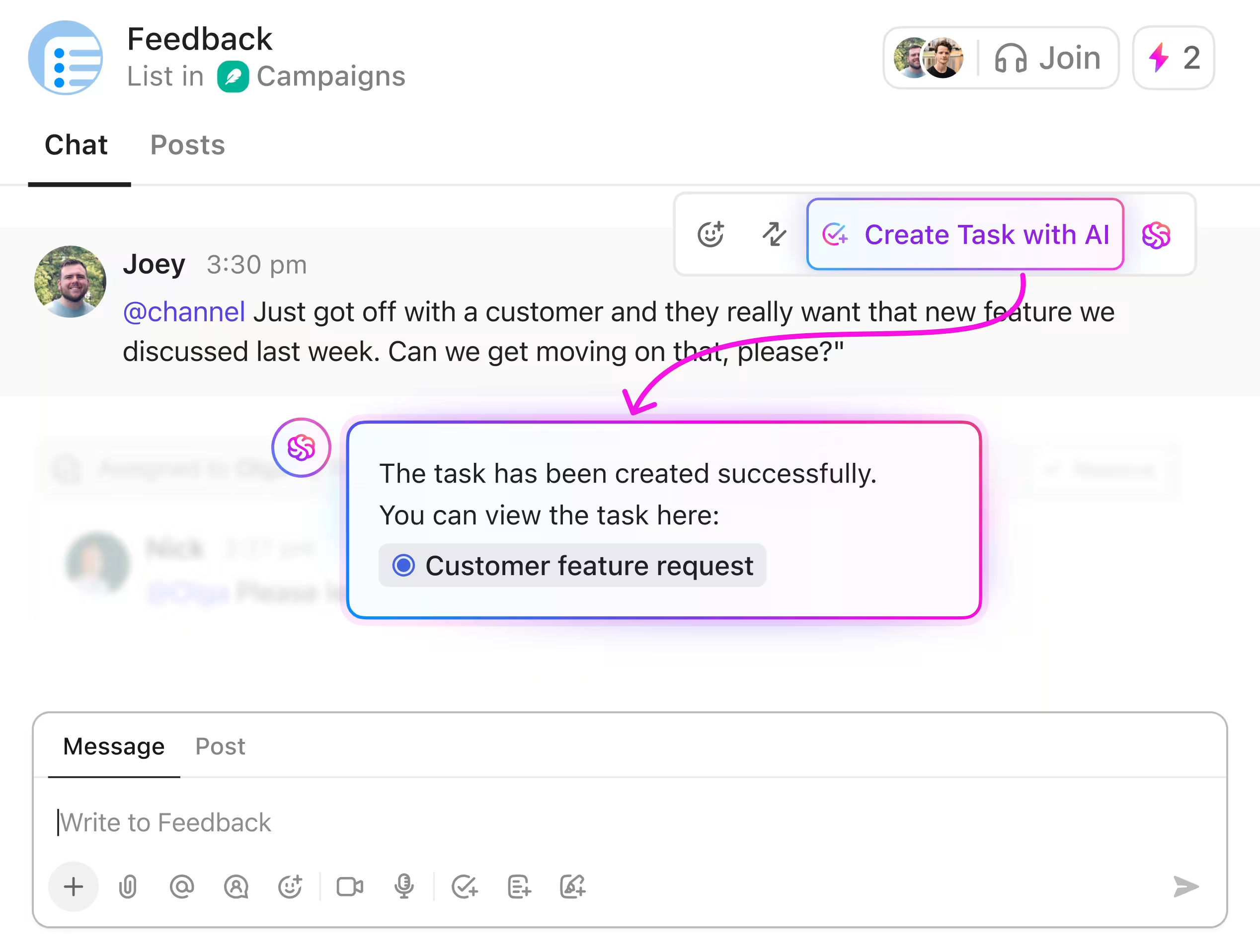
Unified workspace built for Why Agencies Switch
Coordinate projects, track billable hours, manage member bandwidth, and share live client reports in real-time.
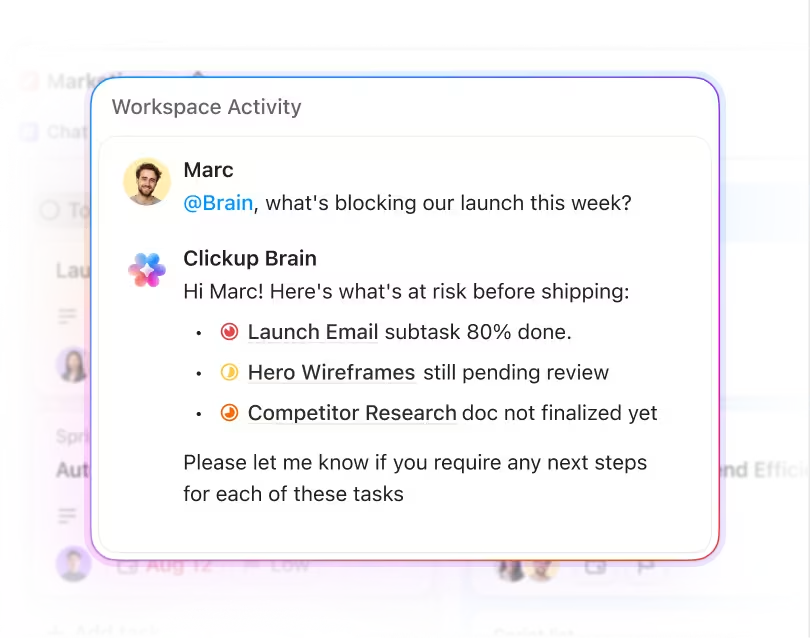
Automated operations with zero friction
Eliminate manual status emails and billing discrepancies with automatic desktop time diaries and proof-of-work captures.
Replace a Fragmented Agency Tool Stack
Agency software stacks rarely become complicated overnight.
They usually grow one tool at a time.
A project management platform gets added first. Then time tracking. Then internal chat. Then workload planning, client communication, reporting, and other specialist tools.
Eventually, teams may be managing the same client and project information across several separate systems.
Collabix helps agencies consolidate overlapping workflows through agency tool consolidation, reducing the need to maintain a large collection of disconnected operational tools.
This can help simplify:
Project management
Time tracking
Team capacity
Workload planning
Internal communication
Client collaboration
Agency reporting
The result is a more connected operational environment with less duplicated information.
Keep Project Data in One Connected Workflow
When projects are managed across different systems, information can quickly become inconsistent.
A deadline may change in the project tool but remain outdated in another system. Workload planning may not reflect new assignments. Tracked hours may need to be manually matched back to client work.
Collabix helps connect project execution with tasks and subtasks, giving teams a clearer source of truth for assigned work.
Teams can also use project boards and project milestones to connect day-to-day activity with larger delivery phases.
This reduces the need to manually synchronize project status between multiple operational systems.
Connect Time Tracking With Actual Project Work
Separate time-tracking tools often create another layer of administration.
Teams record time in one platform while projects and tasks live somewhere else.
Collabix provides desktop time tracking, allowing recorded time to stay connected to the projects and tasks being delivered.
The work diary gives teams additional visibility into recorded work activity.
Connecting time tracking with project work gives managers better context around:
Where team time is being spent
Which client accounts consume the most effort
Project delivery
Retainer usage
Team workload
This makes tracked time more useful than a standalone timesheet.
Keep Time, Projects, and Capacity Synchronized
One of the biggest problems with disconnected systems is that workload information can become outdated.
A project manager may assign new work in one platform while the capacity tool still shows the team member as available.
Collabix connects projects with team capacity planning, helping managers review available bandwidth alongside active work.
The visual workload heatmap provides another way to understand how work is distributed across the team.
This gives managers better context when deciding:
Who should receive new work
Which team members are overloaded
Whether deadlines are realistic
Where work should be redistributed
Whether additional capacity may be needed
Keeping operational information closer together reduces the risk of planning based on outdated data.
Reduce Manual Data Synchronization
When several tools are responsible for the same operational workflow, agencies often become dependent on integrations and API synchronization.
This can create problems when:
Data does not sync immediately
Fields are mapped differently
Integrations break
Permissions change
One platform updates before another
Teams manually enter the same information twice
The current Collabix page specifically positions the platform around replacing disconnected systems with a unified data model. screencapture-thecollabix-solut…
Keeping more workflows inside one platform can reduce the number of integrations required simply to keep everyday agency data consistent.
Reduce Context Switching Across the Team
Every additional application creates another interface employees need to learn and another place they need to check.
A project manager may otherwise spend the day moving between:
Project software
Time tracking
Team chat
Capacity planning
Client communication
Reporting dashboards
That constant context switching can make simple operational tasks slower than they need to be.
Collabix brings several of these workflows together so teams can manage more of their work from one connected environment.
For fast-growing teams, this can also simplify onboarding and make agency processes easier to standardize.
Bring Agency Communication Closer to Projects
Important project decisions often disappear inside generic messaging tools.
Collabix provides project channels, helping teams keep project-specific communication closer to the work it affects.
For broader collaboration, group discussions can support conversations involving multiple people or departments.
Teams can also use direct chat for one-to-one communication.
Keeping communication connected to projects reduces the amount of context teams need to reconstruct later.
Consolidate Client Collaboration
Agencies often add another platform specifically for client communication or project visibility.
Collabix provides client and guest collaboration, allowing agencies to involve external stakeholders in relevant workflows while maintaining controlled access.
Clients can be given appropriate visibility into project activity without requiring the agency to maintain a completely separate client-management environment.
For stronger access boundaries, client roles and permissions help teams keep internal information separate from client-facing collaboration.
Centralize Client Feedback
Client requests and approvals often arrive through several channels at once.
One client may send feedback through email, another through chat, and another during a meeting.
Collabix provides forms and feedback workflows, helping agencies capture client information more systematically.
This can support:
Intake forms
Project requests
Client feedback
Revision requests
Approvals
Change requests
Keeping feedback closer to the project workflow helps reduce missed requests and duplicated communication.
Bring Agency Reporting Into the Same System
Reporting becomes harder when agency data is spread across several platforms.
Operations teams may need to manually combine project information, tracked time, team utilization, and workload data before leadership can understand what is happening.
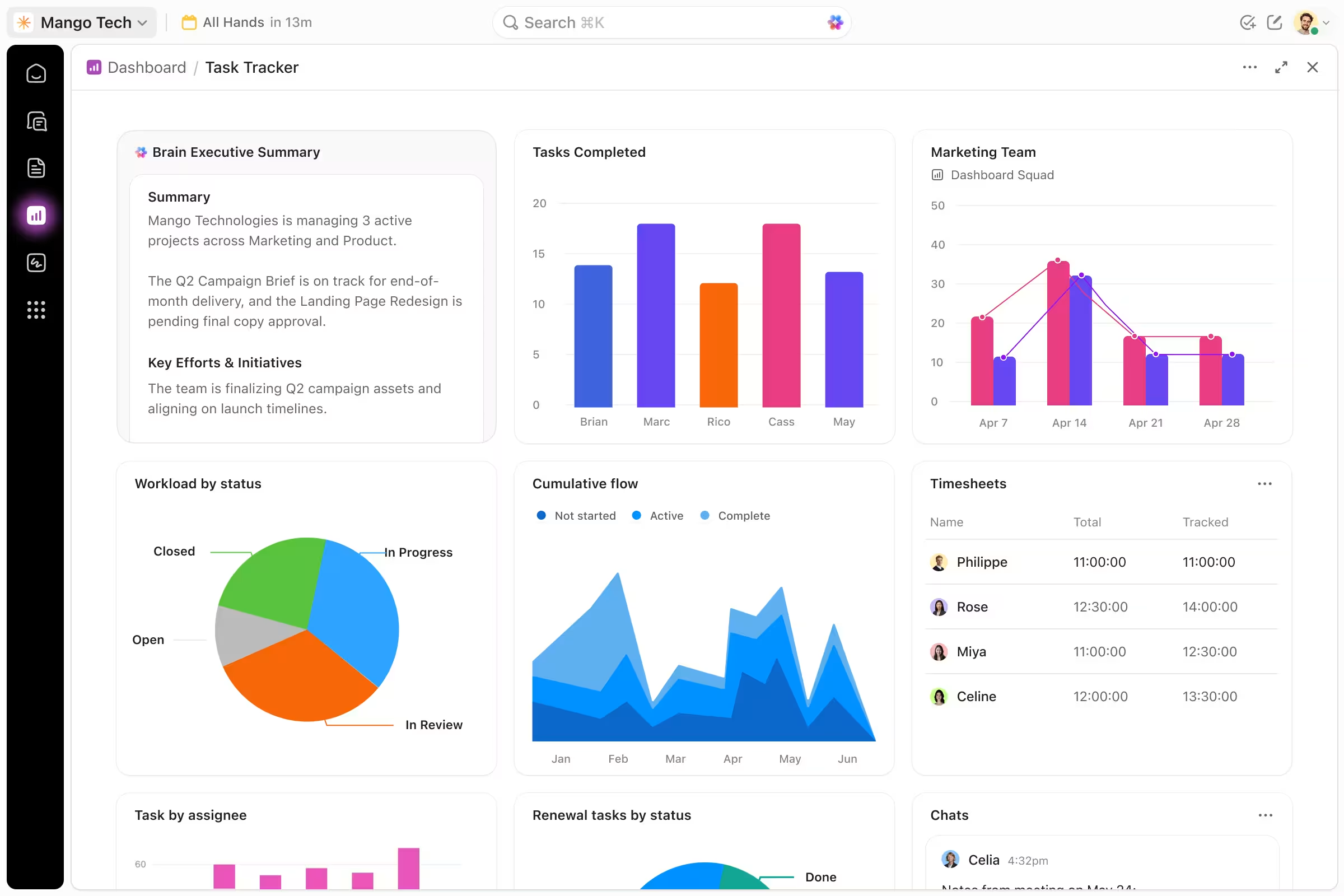
Collabix provides agency analytics and performance reports, helping agencies review operational information from a more connected perspective.
This can provide visibility into:
Project activity
Workloads
Team utilization
Capacity
Tracked time
Delivery performance
A more unified data structure makes reporting less dependent on manual reconciliation between separate systems.
Understand Team Utilization Without Another Standalone Tool
Agency resource planning often requires another dedicated platform.
Collabix provides member utilization insights, helping leadership understand how available capacity is being used across the team.
This gives managers additional context around:
Billable utilization
Heavy workloads
Underused capacity
Resource allocation
Staffing needs
When utilization data is connected with projects and workload information, resource planning becomes easier to understand.
Manage Retainers Without Separate Tracking Systems
Recurring client work adds another layer of operational complexity.
Agencies need to understand what work is being delivered, how many hours are being used, and whether the team still has enough capacity.
Collabix provides agency retainer management, helping teams connect ongoing client delivery with tracked time, projects, and resource usage.
This can reduce the need for separate spreadsheets or retainer-specific tracking systems.
Reduce Subscription Overlap
Many agencies pay for several platforms that perform overlapping functions.
A typical stack may include separate tools for:
Projects
Time tracking
Communication
Workload management
Client portals
Reporting
Consolidating overlapping functionality can reduce unnecessary software spending.
Actual savings will depend on the tools your agency currently uses, the number of users, subscription tiers, and any specialized functionality that still needs to remain separate.
Collabix should therefore be evaluated against the specific systems your agency is paying for today rather than relying on a generic savings assumption.
Keep Specialized Tools Where They Still Make Sense
Tool consolidation does not mean forcing every business function into one platform.
Agencies may still need specialized systems for:
CRM
Accounting
Advertising platforms
Design
Source control
Development infrastructure
E-commerce
Specialized analytics
The real opportunity is eliminating unnecessary overlap.
If several tools are being used simply to manage projects, tracked time, workloads, internal communication, client collaboration, and agency reporting, those workflows may be better managed through one connected operations platform.
Make Agency Onboarding Simpler
A large software stack also increases onboarding complexity.
Every new team member may need multiple accounts, permissions, training sessions, and workflow explanations before they can begin working effectively.
Reducing the number of operational systems can make onboarding easier.
Collabix also provides checklists and SOP workflows, helping agencies standardize recurring processes and make expectations clearer for new employees.
Scale Without Adding Another Tool for Every Problem
Growing agencies often respond to every new operational challenge by adding another platform.
That strategy eventually creates more complexity than it solves.
Collabix provides agency management software for growing teams, helping agencies connect projects, people, workloads, clients, and reporting as the organization expands.
A stronger core operating system can reduce the need to continually add standalone applications as headcount and client volume increase.
Give Agency Founders One Clearer Operational View
Agency leaders need to understand how projects, people, time, and clients are performing across the business.
When that information lives in separate systems, founders may depend on manually prepared reports.
Collabix provides dedicated agency operations workflows for founders, connecting project delivery, team capacity, utilization, tracked work, and operational reporting.
This gives leadership a clearer operational picture without requiring every system to be checked independently.
Replace a Fragmented Agency Stack With One Connected Workspace
Bring projects, time tracking, capacity, communication, client collaboration, and reporting closer together. Reduce unnecessary operational complexity and give your team one clearer place to manage agency delivery.
Frequently Asked Questions
Everything you need to know about this service.
Agencies often consolidate software to reduce duplicate subscriptions, simplify workflows, reduce manual data synchronization, improve reporting, and minimize context switching between tools.
Collabix includes functionality for project management, time tracking, team capacity, workload planning, communication, client collaboration, and reporting. Whether it replaces a specific platform depends on your agency's requirements.
Collabix includes desktop time tracking and work-diary functionality connected directly with project workflows.
Collabix includes team-capacity planning, workload heatmaps, and utilization visibility that can support resource-planning workflows.
It can reduce overlapping subscriptions if existing tools are replaced, but actual savings depend on your current software stack, pricing, user count, and required functionality.
Yes. Collabix includes client and guest collaboration with access-control functionality for client-facing workflows.
Yes. Collabix is designed to connect projects, time, team capacity, workloads, communication, clients, and reporting as agency operations become more complex.
No. Specialized platforms may still be necessary. The strongest consolidation opportunities are usually tools with overlapping operational functions.