
Creative Project Management Software for Design Studios
Manage Creative Projects, Team Bandwidth, Client Feedback, & Delivery
Collabix helps design teams organize projects, balance designer workloads, centralize project communication, and keep client collaboration closer to the work being delivered.
Give creative teams clearer visibility into priorities, deadlines, revisions, capacity, and project responsibilities without forcing them to work across disconnected tools.

Built specifically for Design & Creative Studios
Designed to replace disconnected spreadsheets with one consolidated system.
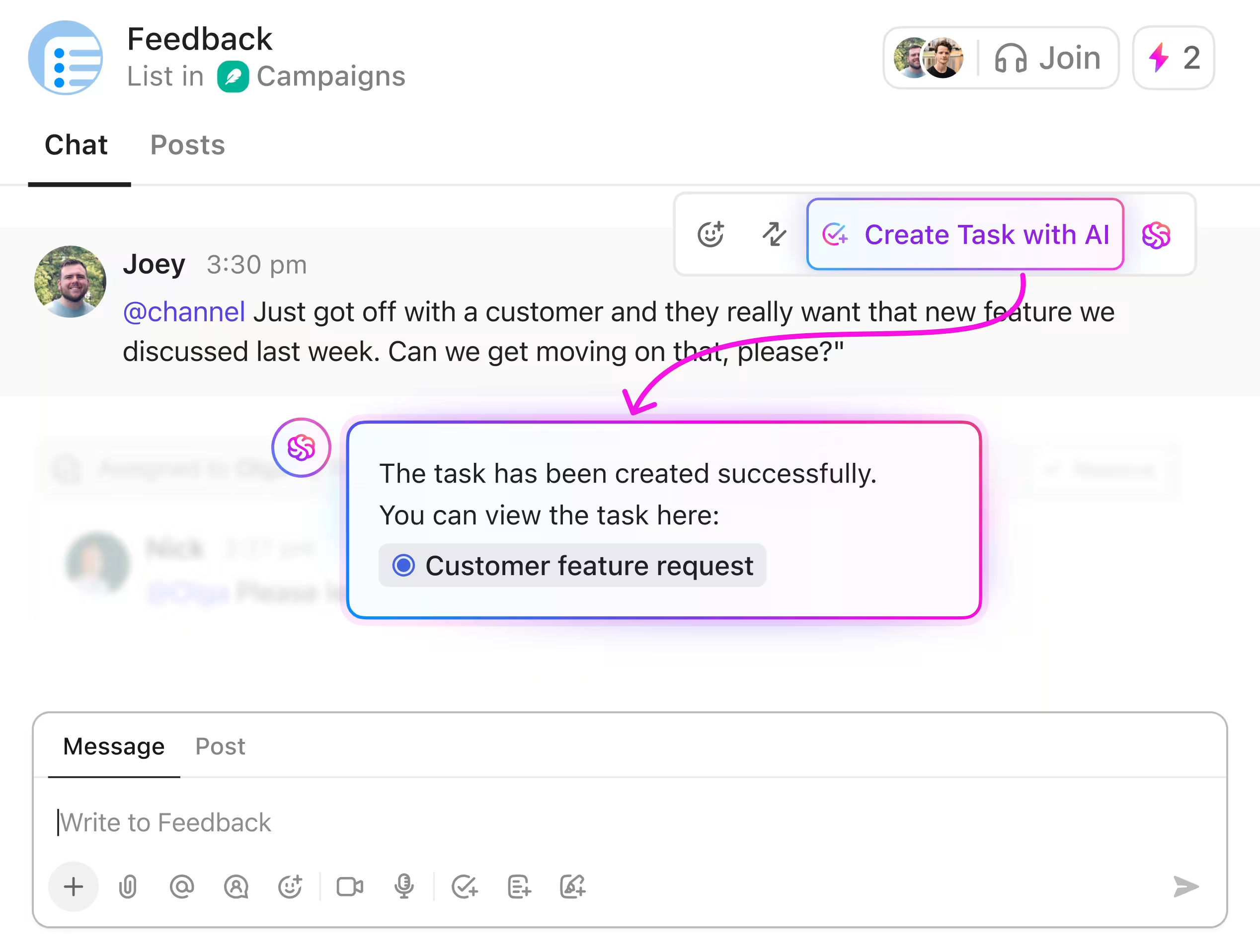
Unified Workspace for Design & Creative Studios
Coordinate projects, track billable hours, manage member bandwidth, and share live client reports in real-time.
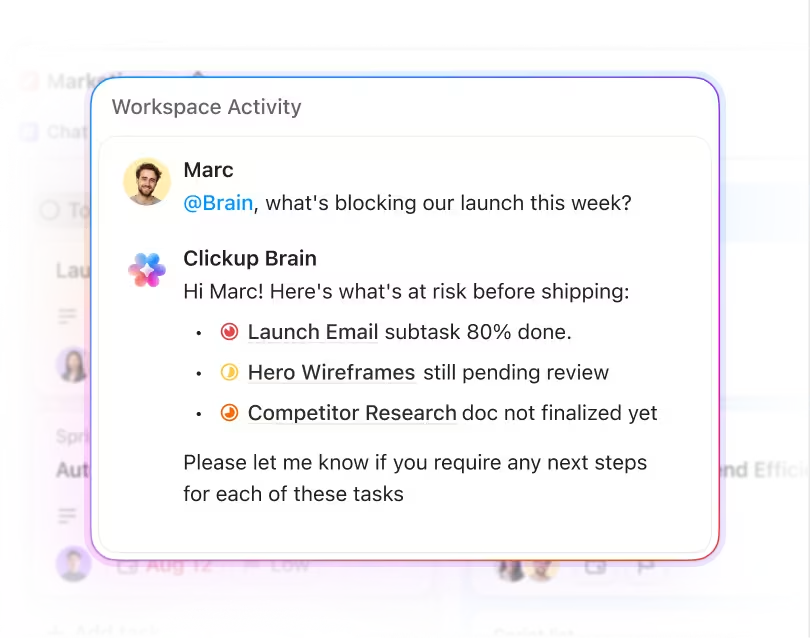
Automated Operations with Zero Friction
Eliminate manual status emails and billing discrepancies with automatic desktop time diaries and proof-of-work captures.
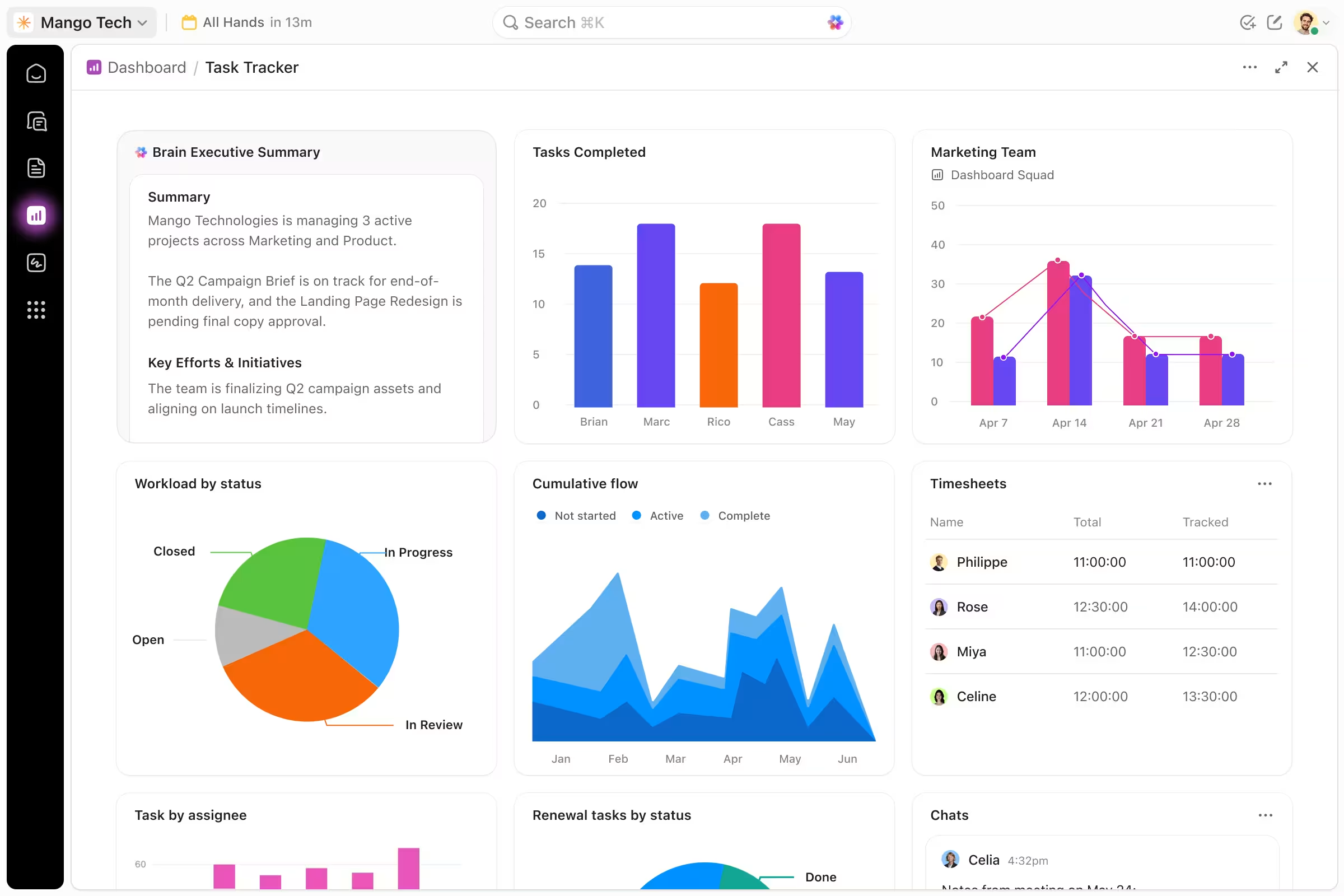
Real-Time Bandwidth & Capacity Heatmap
Balance workloads across developers, designers, and managers before project burnout happens.
Dispute-Free Billing & Retainer Audits
Export itemized time audit reports with screenshot receipts to guarantee 100% transparent client invoicing.
Manage Creative Projects From Brief to Final Delivery
Design work often moves through several stages before a final deliverable reaches the client.
A typical project may involve:
Initial brief
Research
Concepts
Internal review
Client presentation
Feedback
Revisions
Final approval
Delivery
Collabix helps design teams organize these stages using tasks and subtasks, keeping responsibilities and project activity connected in one place.
Instead of managing briefs in one tool, feedback in another, and deadlines somewhere else, teams can maintain a clearer project workflow from the initial request through final delivery.
Balance Creative Bandwidth Across Designers
Creative teams can become overloaded quickly when several client projects need the same designers at the same time.
Collabix provides team capacity planning to help studio managers understand how much available bandwidth exists across the team.
Managers can review current assignments before giving additional work to designers who are already approaching capacity.
This helps answer practical questions such as:
Which designer has room for another project?
Who is carrying too many active assignments?
Are upcoming deadlines realistic?
Which projects are competing for the same creative resources?
Does work need to be redistributed?
Is additional capacity required?
Better visibility helps studios plan creative workloads more realistically.
Use Workload Visibility to Reduce Designer Burnout
Creative burnout is often caused by more than the total number of projects.
Problems can also come from uneven workload distribution, overlapping deadlines, frequent revisions, and urgent requests being added without considering existing commitments.
The visual workload heatmap gives teams another way to review how work is distributed across the studio.
This can help project and operations managers identify workload pressure before it becomes a recurring problem.
The goal is not simply to maximize utilization. It is to create a sustainable balance between client commitments, available creative capacity, and realistic delivery timelines.
Organize Creative Work With Project Milestones
Design projects often depend on clearly defined review and approval stages.
Collabix provides project milestones to help studios structure major project phases and delivery points.
Milestones can help teams maintain visibility around:
Creative concepts
Design reviews
Presentation dates
Client approvals
Revision rounds
Production handoffs
Final delivery deadlines
A clearer milestone structure gives designers and project managers a shared understanding of where the project stands and what needs to happen next.
Keep Design Assets and Project Conversations Together
Creative projects generate a large amount of context.
Teams may need to discuss files, revisions, feedback, priorities, and delivery requirements throughout the project lifecycle.
Collabix provides project channels so project-specific discussions can stay closer to the work they relate to.
This can help design studios reduce fragmented communication across email and unrelated chat threads.
Keeping creative conversations organized by project makes it easier for designers, project managers, and account teams to understand previous decisions and current priorities.
Centralize Client Feedback and Revisions
Revision workflows become difficult when feedback arrives through several channels at the same time.
One client may send comments by email, another may message an account manager, and another may provide feedback during a call.
Collabix supports client intake forms and feedback workflows, helping studios organize client input in a more structured way.
Centralizing feedback can help teams reduce:
Missed revision requests
Conflicting client comments
Duplicate work
Unclear approval status
Feedback without project context
A more structured review process gives creative teams a clearer record of what the client requested and what needs to change.
Give Clients Controlled Project Visibility
Clients often need visibility into progress without needing access to the studio's complete internal workflow.
Collabix provides client and guest collaboration, allowing design studios to involve clients in relevant project activity while maintaining appropriate permissions.
This can support workflows around:
Project updates
Deliverables
Feedback
Approvals
Relevant discussions
Shared project information
For agencies that need stronger access controls, client role and permission management helps keep internal agency information separated from client-facing collaboration.
Keep Creative and Account Teams Aligned
Designers and account managers often view the same project from different perspectives.
Creative teams focus on execution, revisions, and quality.
Account teams focus on expectations, deadlines, communication, and client satisfaction.
Collabix helps keep those workflows connected so both teams can work from shared project information.
For client-facing teams, client management workflows provide additional support for keeping client communication closer to actual project delivery.
Better internal alignment reduces the need for account managers to repeatedly request status updates from designers.
Track Time Across Creative Projects
Time tracking can help design studios understand how much effort different projects and revision cycles actually require.
Collabix provides desktop time tracking, allowing designers and team members to record time against relevant projects and tasks.
This information can provide additional context around:
Project effort
Revision time
Recurring client work
Resource allocation
Workload planning
Teams can also use the work diary for more detailed visibility into recorded work activity.
Connecting time with creative project delivery can help studio leaders understand where team effort is being used.
Understand Designer Utilization
Capacity tells managers how much work people can reasonably take on.
Utilization helps show how much of that capacity is actually being used.
Collabix provides member utilization insights, helping design studio leaders review how available team resources are being allocated.
This can help identify situations where:
One designer is consistently overloaded
Another team member has available capacity
Specific client projects consume excessive resources
Revision-heavy work affects overall utilization
Staffing requirements may be changing
Better utilization visibility can support more informed project planning and resource decisions.
Improve Handoffs Between Design and Development
For studios working on websites, digital products, Shopify stores, or software projects, design work often needs to move into development.
Poor handoffs can create delays when developers receive incomplete requirements or designers lose visibility after implementation begins.
Collabix helps teams keep design and technical work within a more connected project workflow.
For agencies with multiple departments, explore cross-departmental collaboration to see how creative, development, media, and account teams can coordinate shared project delivery.
Clearer responsibilities and shared project context can make creative-to-development handoffs easier to manage.
Use Agency Reporting to Understand Creative Operations
Creative operations should be visible beyond individual task completion.
Studio owners and operations managers may need to understand:
Workload distribution
Project progress
Team utilization
Available capacity
Time allocation
Delivery pressure
Collabix provides agency analytics and performance reports, helping leaders review operational information alongside ongoing project activity.
This gives studio managers more context when deciding how to allocate resources and plan upcoming client work.
Built for Creative and Design Teams
Collabix can support creative operations for:
Branding studios
Web design agencies
UI/UX teams
Creative agencies
Graphic design studios
Digital agencies
Shopify design teams
Product design teams
Creative directors
Project managers
Account managers
Studio operations teams
Whether the studio manages branding, digital design, websites, campaigns, or ongoing creative retainers, connected project and workload visibility can make delivery easier to manage.
Bring Your Creative Operations Into One Workspace
Design studios can use Collabix to connect:
This creates a more connected creative operations environment without forcing design teams to manage project delivery across a fragmented tool stack.
Run Your Design Studio With Greater Creative Visibility
Organize creative projects, balance team bandwidth, centralize feedback, and keep client collaboration connected to delivery. Give your designers more clarity around priorities while giving studio leaders better visibility into workloads and project progress.
Frequently Asked Questions
Everything you need to know about this service.
Creative project management software helps design and creative teams organize briefs, tasks, responsibilities, deadlines, feedback, revisions, client collaboration, and project delivery in a structured workflow.
Design studios can use capacity and workload information to understand which designers have available bandwidth, which team members are heavily allocated, and whether upcoming project deadlines are realistic.
Yes. Collabix includes forms, feedback workflows, project communication, and client collaboration features that can help teams organize client input and revision requests.
Collabix includes client and guest collaboration functionality that allows studios to involve clients in relevant project workflows while maintaining controlled access.
Capacity planning and workload visibility can help managers identify uneven workloads and heavy allocation earlier. These signals can support better workload-balancing decisions.
Yes. Collabix includes time-tracking functionality that can be connected with projects and tasks, helping teams understand how working time is distributed across creative work.
Yes. Collabix supports shared project workflows, communication, milestones, tasks, and cross-departmental collaboration that can help creative and technical teams coordinate project delivery.