
Book an Agency Operations Software Demo
Bring Your Agency’s Projects, Time Tracking, Team Capacity, Client Collaboration, Communication, & Reporting Into One Connected Workspace
Book a personalized Collabix walkthrough tailored to how your agency actually operates. Explore the workflows most relevant to your team, ask questions about your current software stack, and understand how Collabix could fit into your delivery process.
Whether you are replacing several disconnected tools or improving visibility across a growing agency, the demo is designed around your operational priorities.

Built specifically for Book Operations Demo
Designed to replace disconnected spreadsheets with one consolidated system.
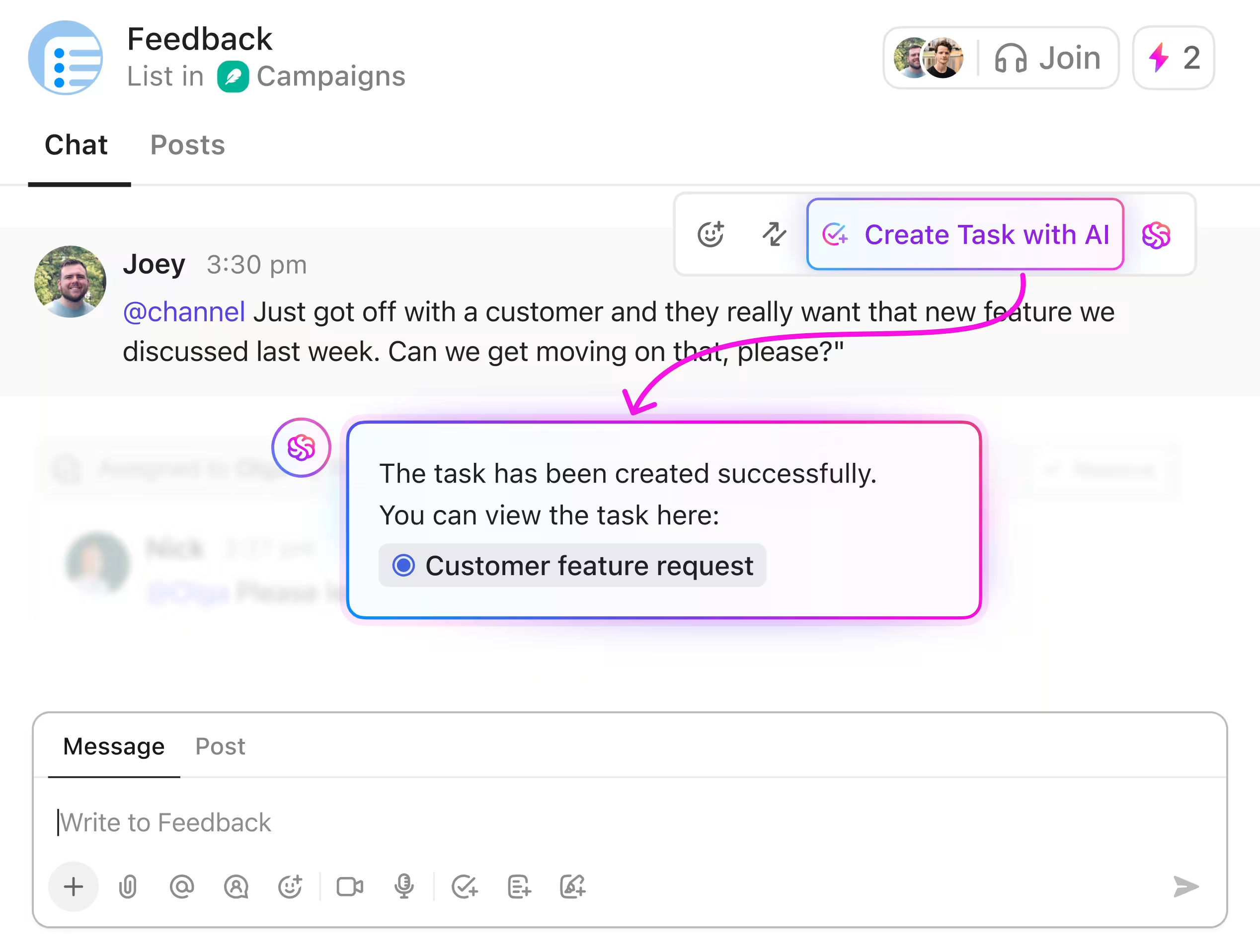
Unified Workspace for Book Operations Demo
Coordinate projects, track billable hours, manage member bandwidth, and share live client reports in real-time.
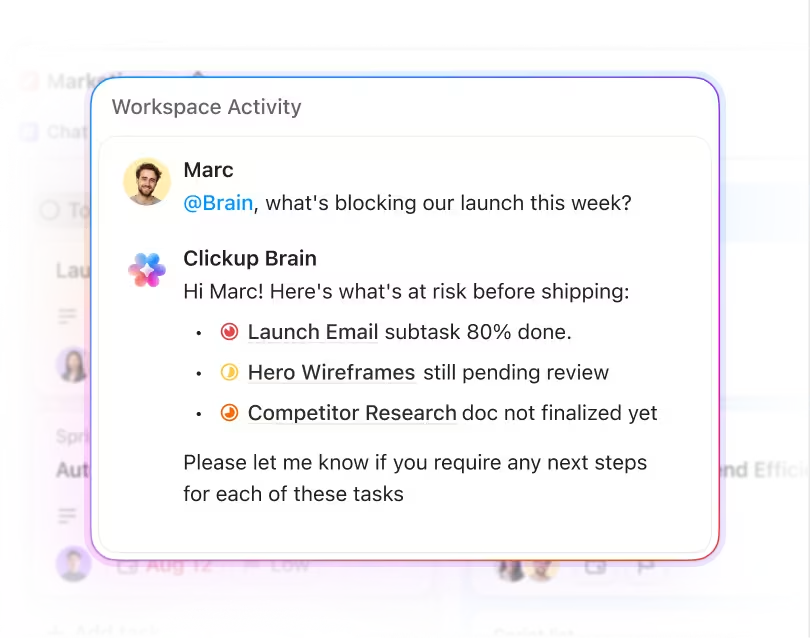
Automated Operations with Zero Friction
Eliminate manual status emails and billing discrepancies with automatic desktop time diaries and proof-of-work captures.
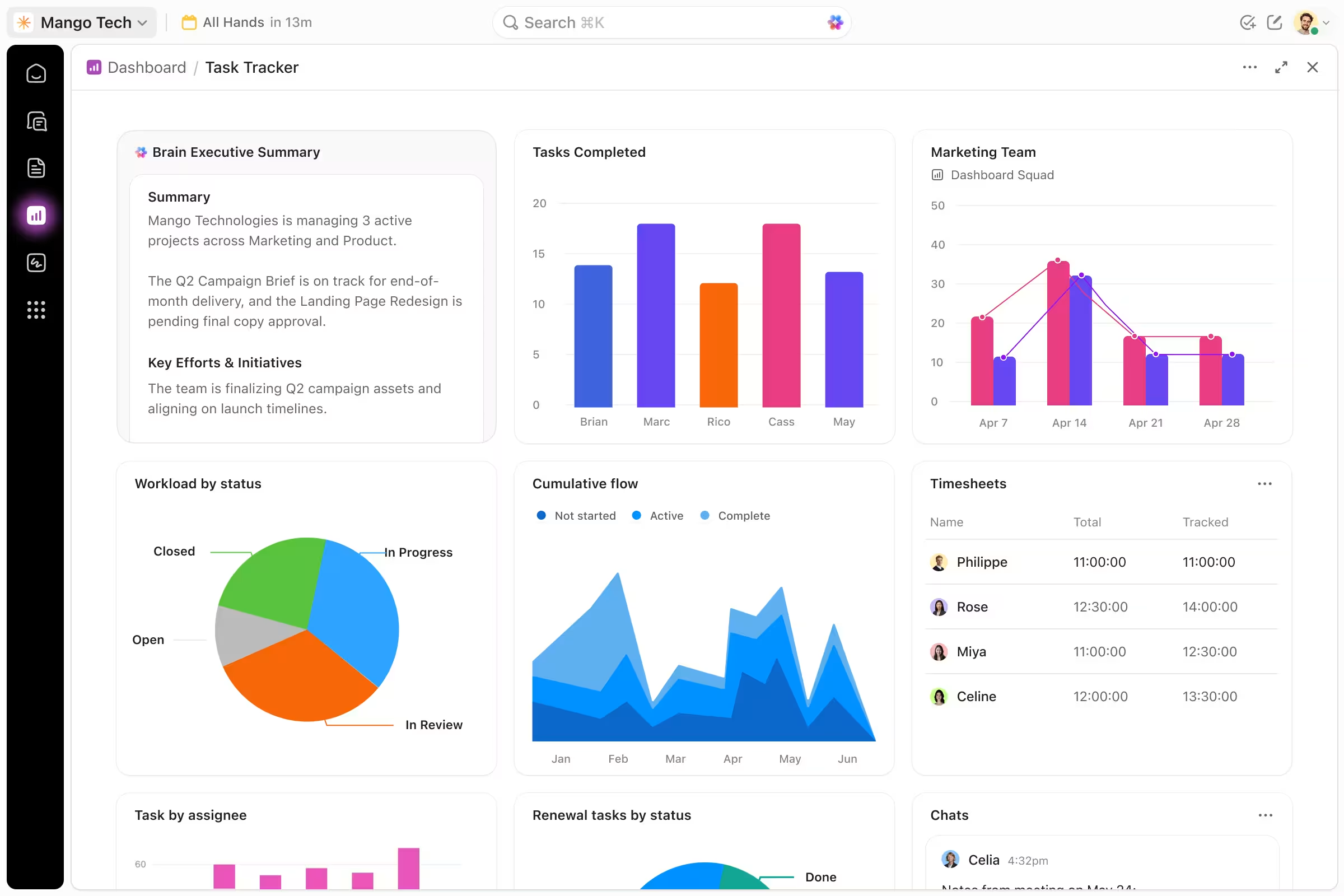
Real-Time Bandwidth & Capacity Heatmap
Balance workloads across developers, designers, and managers before project burnout happens.
Dispute-Free Billing & Retainer Audits
Export itemized time audit reports with screenshot receipts to guarantee 100% transparent client invoicing.
Get a Demo Built Around Your Agency Workflow
A useful software demo should not be a generic tour of every feature.
Your agency may be trying to solve a specific problem such as resource planning, project visibility, client retainers, time tracking, workload management, or tool consolidation.
The Collabix demo can focus on the workflows that matter most to your team.
Depending on your priorities, your walkthrough can cover:
Project and task management
Time tracking
Team capacity
Workload planning
Client collaboration
Retainer management
Agency reporting
Team communication
Operational visibility
This makes it easier to evaluate Collabix against the way your agency already works.
See How Project Management Works in Collabix
Agency delivery often becomes difficult when tasks, deadlines, conversations, and project status are spread across several platforms.
During your demo, you can explore how Collabix manages project work through tasks and subtasks, visual project boards, and project milestones.
This can help your team understand how Collabix could support:
Project planning
Assigned responsibilities
Delivery milestones
Work in progress
Blocked tasks
Client deadlines
Multi-team projects
You can evaluate whether the workflow matches your existing delivery process before changing anything internally.
Explore Time Tracking Connected to Project Work
If your agency bills by time, manages retainers, or needs clearer visibility into team activity, the demo can include Collabix's desktop time tracking.
Instead of managing time separately from project execution, Collabix connects tracked work with relevant projects and tasks.
You can also review the work diary to understand how recorded activity is organized.
This can help agencies evaluating Collabix for:
Billable time tracking
Client retainers
Project effort
Remote teams
Work verification
Resource planning
See Team Capacity Before Assigning More Work
Agencies need to know whether their team can realistically handle additional projects.
During your walkthrough, you can explore team capacity planning and see how Collabix helps managers understand available bandwidth.
The visual workload heatmap can provide additional context around workload distribution.
This is useful for agencies trying to answer questions such as:
Who has capacity for additional work?
Which team members are overloaded?
Can we take on another client?
Are deadlines realistic?
Where should work be redistributed?
When might hiring become necessary?
For growing teams, better resource visibility can become one of the most important parts of the demo.
Review Team Utilization and Operational Reporting
Agency leaders often need more than task-level visibility.
Collabix provides member utilization insights and agency analytics and reports to help leadership understand how projects, people, and available capacity are being used.
During the demo, you can explore how these workflows may support decisions around:
Resource allocation
Team utilization
Workload
Agency capacity
Project delivery
Operational performance
This gives founders and operations leaders a clearer view of how Collabix can fit into wider agency management.
See How Client Collaboration Works
Clients need useful visibility without needing access to every internal agency conversation.
Collabix provides client and guest collaboration, allowing agencies to involve clients in relevant project workflows while maintaining access controls.
During the demo, you can review how Collabix could support:
Client project visibility
Relevant discussions
Deliverables
Feedback
Approvals
Guest access
For agencies with stricter access requirements, client roles and permissions provide additional controls around client-facing collaboration.
Explore Retainer Management for Ongoing Client Work
If your agency manages recurring monthly client relationships, the demo can include agency retainer management.
This can help your team understand how Collabix connects recurring client delivery with tracked work, project activity, workload, and team capacity.
It can be particularly relevant for agencies managing:
Monthly development retainers
Marketing retainers
Design support
SEO engagements
Ongoing e-commerce work
Recurring creative services
Use the demo to evaluate whether Collabix provides enough visibility for the way your agency currently manages recurring work.
Review Proof-of-Work Features for Remote Teams
For agencies that need additional work verification, Collabix includes automated screenshots and broader proof-of-work workflows.
During the walkthrough, your team can review how these features fit with time tracking and project work.
This may be relevant for:
Remote agencies
Distributed teams
Hourly engagements
Development teams
Staff augmentation
Clients requiring additional work documentation
You can also discuss which visibility and privacy controls are appropriate for your particular workflow.
See How Collabix Can Replace a Fragmented Tool Stack
Many agencies consider Collabix because operational information is spread across too many systems.
You may currently use separate tools for:
Project management
Time tracking
Team communication
Capacity planning
Client collaboration
Reporting
The demo can help you compare your existing stack against Collabix's available functionality.
Explore agency tool consolidation before your call if reducing software fragmentation is one of your main objectives.
The goal should not be to remove useful specialist software unnecessarily. It is to determine whether overlapping agency operations can be handled more efficiently in one platform.
Get Help Planning Your Migration
The current Collabix demo page specifically offers migration assistance from tools including ClickUp, Asana, Hubstaff, and Monday. screencapture-thecollabix-solut…
If your agency is already using one or more of these systems, use the demo to discuss:
Existing workflows
Current project structure
Users and teams
Operational requirements
Migration priorities
Onboarding needs
Migration requirements vary between agencies, so the exact process should be confirmed during the walkthrough rather than assuming every existing configuration can be transferred automatically.
Get Custom Onboarding for Your Team
The page also positions the demo experience around custom onboarding and a personalized walkthrough. screencapture-thecollabix-solut…
That matters because agencies rarely operate in exactly the same way.
A development agency may prioritize sprint planning and developer capacity, while a marketing agency may care more about client retainers, creative workflows, and workload balancing.
The onboarding discussion can focus on how your team would realistically use Collabix instead of forcing your agency into a generic operating model.
Who Should Book a Collabix Demo?
A personalized demo is particularly useful for:
Agency founders
Operations managers
Project managers
Delivery leads
Account management teams
Technical leads
Growing agencies
Multi-department agencies
Remote agencies
Teams replacing multiple software tools
If you only want to explore Collabix independently, you can also review the pricing plans and start with the available free option.
Prepare for Your Demo
To get more value from the walkthrough, it helps to know the main operational problems you want to solve.
Before your call, consider:
Which tools does your agency currently use?
What creates the most manual work?
Where does project visibility break down?
How do you currently track time?
How do you plan team capacity?
How do clients collaborate with your team?
Which reporting does leadership need?
Which existing tools would you potentially replace?
The clearer these priorities are, the easier it is to focus the demo on your actual requirements.
See How Collabix Fits Your Agency
Get a personalized walkthrough of the projects, time tracking, capacity, client collaboration, and reporting workflows most relevant to your team. Discuss your current tool stack, operational challenges, migration requirements, and the best way to evaluate Collabix for your agency.
Frequently Asked Questions
Everything you need to know about this service.
The demo is designed as a personalized walkthrough of Collabix based on your agency's workflow and operational priorities. Relevant areas may include projects, time tracking, capacity, client collaboration, reporting, retainers, and team communication.
Yes. The current page specifically describes the experience as a personalized 1-on-1 walkthrough with custom onboarding.
Yes. The current demo page specifically mentions migration assistance from ClickUp, Asana, Hubstaff, and Monday. Exact migration requirements should be reviewed based on your existing setup.
Yes. You should use the walkthrough to focus on the features most relevant to your team, such as project management, time tracking, capacity, workload, retainers, clients, or reporting.
Yes. Collabix includes workflows specifically designed around growing agency operations, including project delivery, capacity planning, utilization, client work, and reporting.
Not necessarily. If you prefer to explore the platform independently, review the Collabix pricing plans and available signup options.
If multiple stakeholders are involved in evaluating agency software, it makes sense to include the relevant decision-makers and operational users in the walkthrough. Confirm meeting arrangements when scheduling the demo.